
How Do I Add New Users to My Team?
Amalgam users are organized into teams, representing the organizations using our platform. Teams come with useful features, making it easier to share integrations and connectivity among users.
When a new user signs up for Amalgam, they either create a new team (if they are the first) or join an existing team through an invitation. Team Admins send invitations from Invite User in the left menu of the web app, or from Team > Settings > Users with the Invite user button.
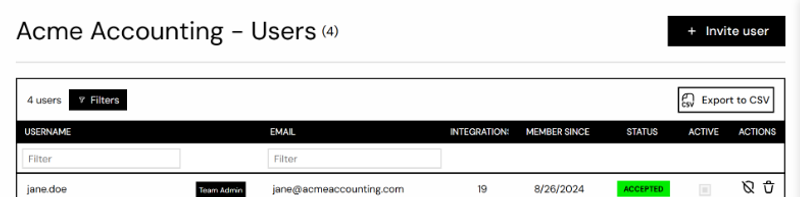
The invited user gets an email and creates their account by following the link in it. Once they have accepted, they appear in the Users list with the status Accepted. Invitations that are not accepted in time show as Expired and can be sent again.
Each user is a seat on your plan. See Billing and Plans for how that affects your bill.