
How to Connect Amalgam to TikTok
Connect TikTok for Business to Amalgam to pull campaign and ad creative performance into your spreadsheets, Claude or ChatGPT. TikTok connects by signing in to TikTok for Business and choosing which advertiser accounts Amalgam may read.
What You Need
Section titled “What You Need”- A TikTok for Business login (the one you use for Ads Manager or Business Center) with access to the advertiser accounts you want to report on.
- An Amalgam account.
Connect TikTok
Section titled “Connect TikTok”- Log in at app.amalgam.me.
- Click New Integration and choose TikTok. You can type the name in the search box to find it.
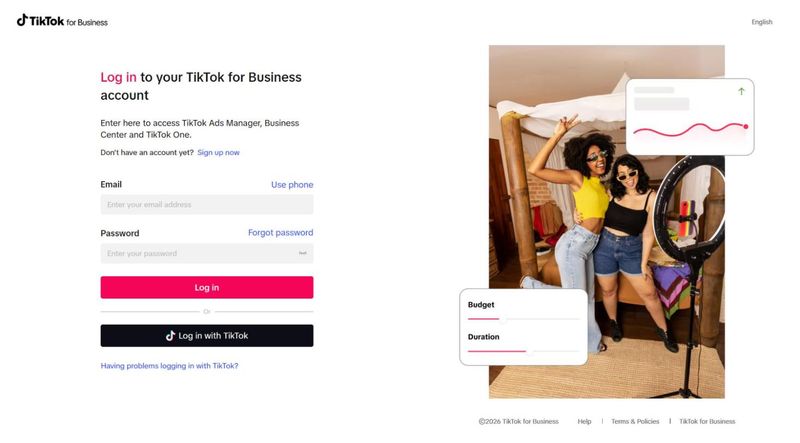
- Amalgam sends you to the TikTok for Business sign-in page. Sign in.
- Tick the advertiser accounts Amalgam may read and confirm. TikTok sends you back to Amalgam with the integration ready to use.

What You Can Pull
Section titled “What You Can Pull”TikTok is a read-only integration. Reports include Campaign Performance, Campaign Report and Ad Creative Performance, all in beta. See Reports by Provider.
Troubleshooting
Section titled “Troubleshooting”- An advertiser account is missing from the list: your TikTok user does not have access to it. A Business Center admin can grant it under the Business Center’s Advertiser accounts.
- Sign in with a personal TikTok account does not work: the integration needs a TikTok for Business account. Create one at business.tiktok.com and add your ad accounts to it.
TikTok’s guide: Manage TikTok accounts in Business Center.