
How to Connect Amalgam to Rillet
Connect Rillet to Amalgam to pull your general ledger, trial balance, balance sheet, income statement and aging reports into your spreadsheets, Claude or ChatGPT. Rillet connects with an API key that you create in Rillet and paste into Amalgam.
What You Need
Section titled “What You Need”- A Rillet admin login. Organization settings, where API keys live, are only open to admins.
- An Amalgam account.
Create the API Key in Rillet
Section titled “Create the API Key in Rillet”- Log in to Rillet and open Organization Settings.
- Select API Access.
- Click + Create API Key and give it a name such as
Amalgam. - Turn on Read-only. Amalgam only reads from Rillet.
- Click + Create API Key again and copy the key with the copy icon. Rillet shows the full key only once; closing the window hides it for good.
Rillet’s guide: API Access.
Connect Rillet
Section titled “Connect Rillet”- Log in at app.amalgam.me.
- Click New Integration and choose Rillet. You can type the name in the search box to find it.
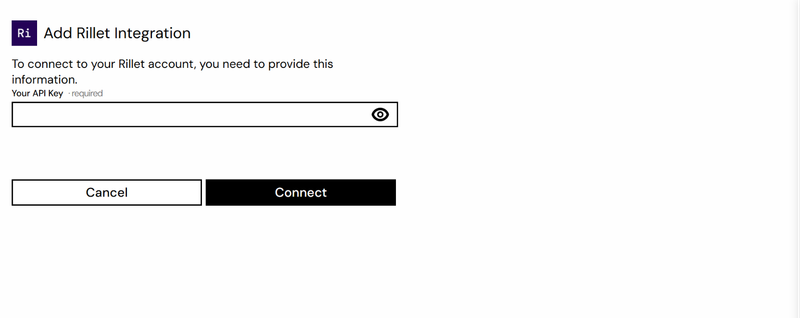
- Paste the key into Your API Key and click Connect.

What You Can Pull
Section titled “What You Can Pull”Rillet is a read-only integration. Reports include General Ledger, Trial Balance, Balance Sheet, Income Statement, and AP and AR Aging in summary and detailed form, all in beta. See Reports by Provider.
Good to Know
Section titled “Good to Know”- To revoke the key later, go back to API Access in Rillet, open the key’s menu and choose Revoke Key. Then create a new one and paste it in with Edit on the integration in Amalgam.