
How to Change or Reset Your Password
If you want to change your password, but haven’t forgotten it, you can do it very easily by clicking on your username in the top-right of the web app.
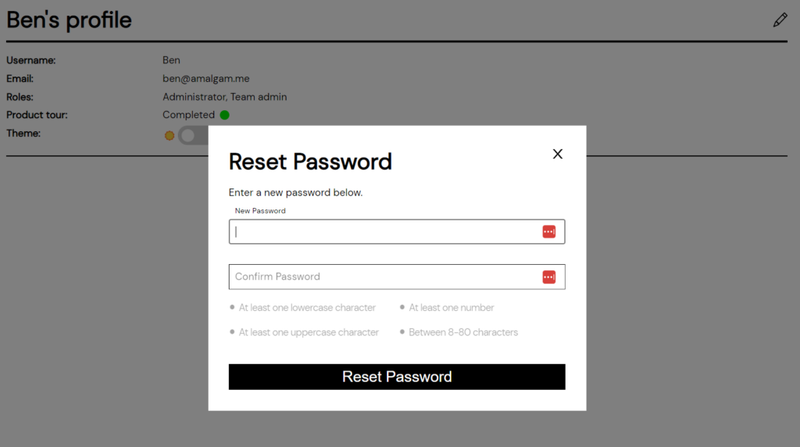
Doing so will give you the “My Profile” option, where you can see information regarding your user account. Clicking on the pencil there will give you the option to change your password without needing to go through the “forgot my password” flow.
If You Forgot Your Password
Section titled “If You Forgot Your Password”Changing your password is simple in Amalgam. Simply go to our connections center website, log out if you haven’t already, and click “forgot my password” (there is no obligation to actually forget your password first).
We’ll send a link to your email address that will contain the reset link. The whole process should take you less than a minute.